User Activity
Purpose/Value
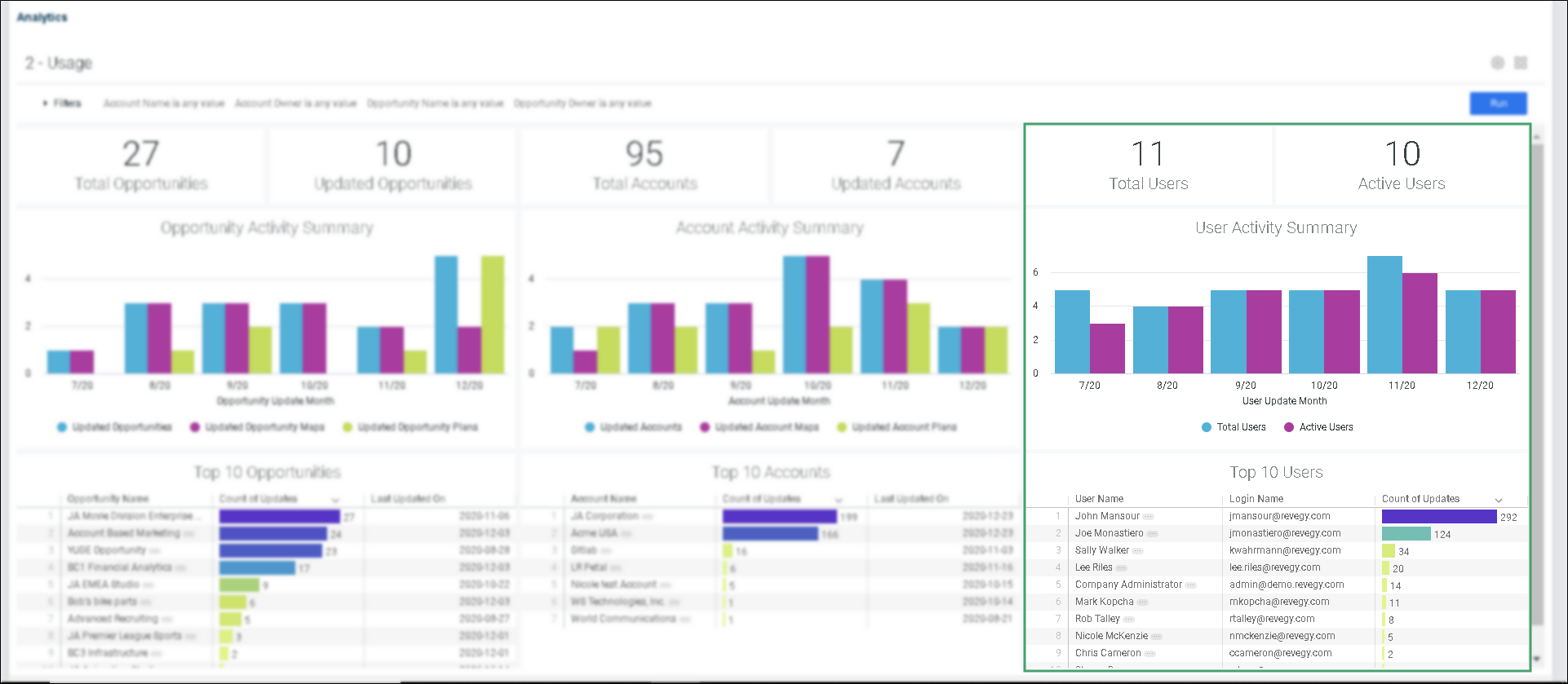
The User Activity section helps answer the following questions:
-
Focuses on user engagement and user adoption
-
How many of the users are "active"?
-
Note: An "Active User" is a user that made at least one update. To be counted as active, a user would need to do more than log in and view accounts and/or opportunities; they would need to actually edit a map, plan object, or account.
-
-
What is the cadence of the active users?
-
How have their updates been trending over the last six months?
-
Who are the top 10 users?
Recommended Actions (Actionable Intelligence)
Total Users

Click on the KPI to open the User Activity Summary table. The table will reflect the filters applied on the Usage Dashboard.
Active Users
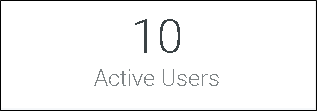
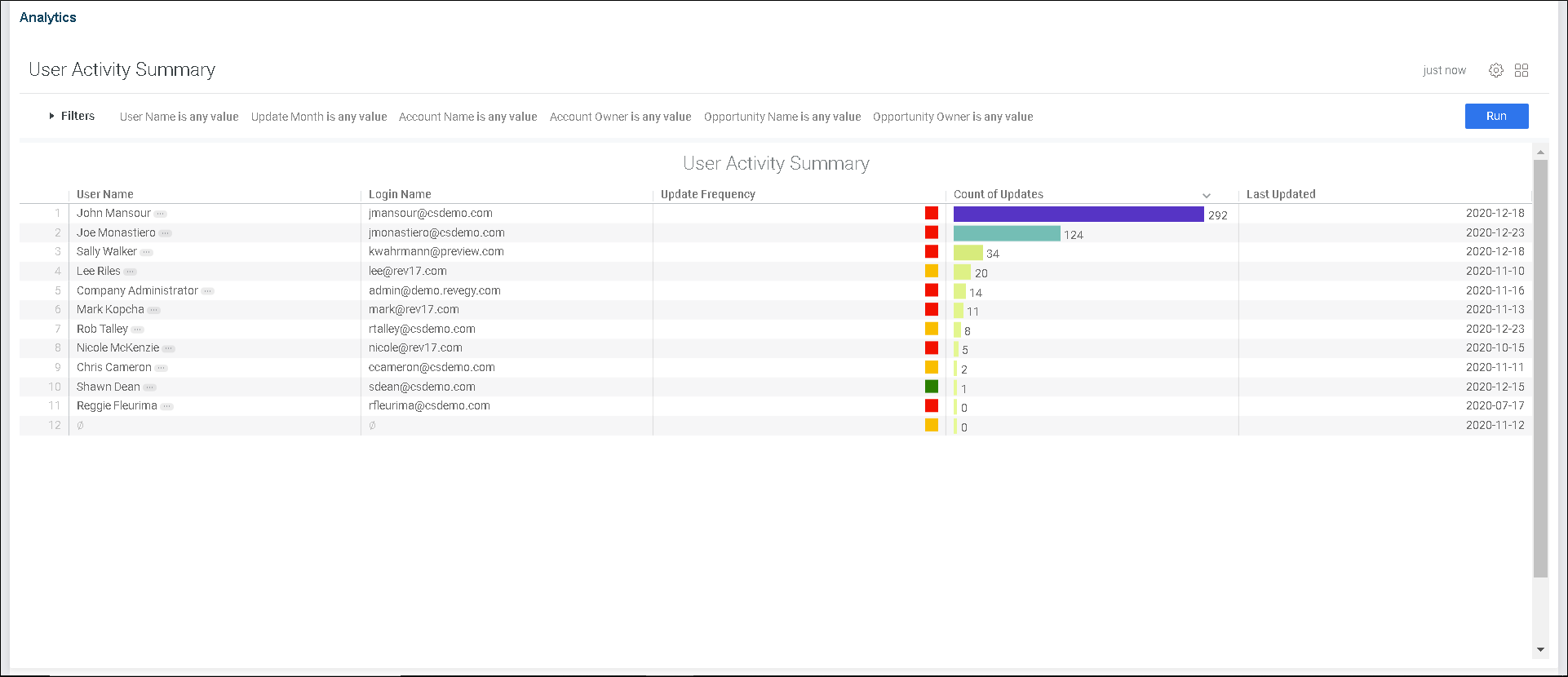
Click on the KPI to open the User Activity Summary table. The table will reflect the filters applied on the Usage Dashboard.
User Activity Summary
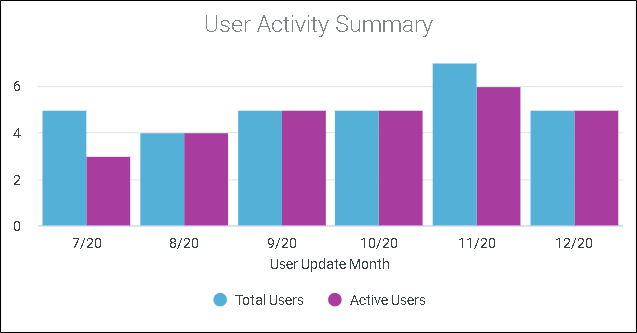
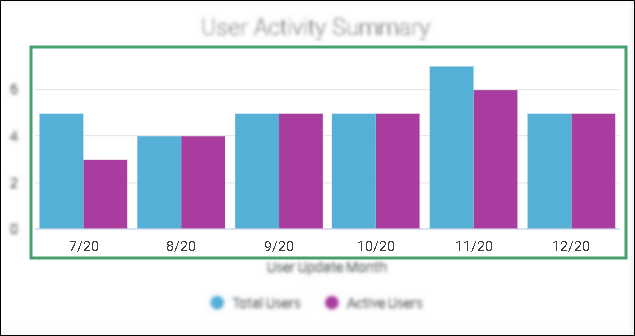
Click on any bar or any date to open the User Activity Summary table for that selected month.
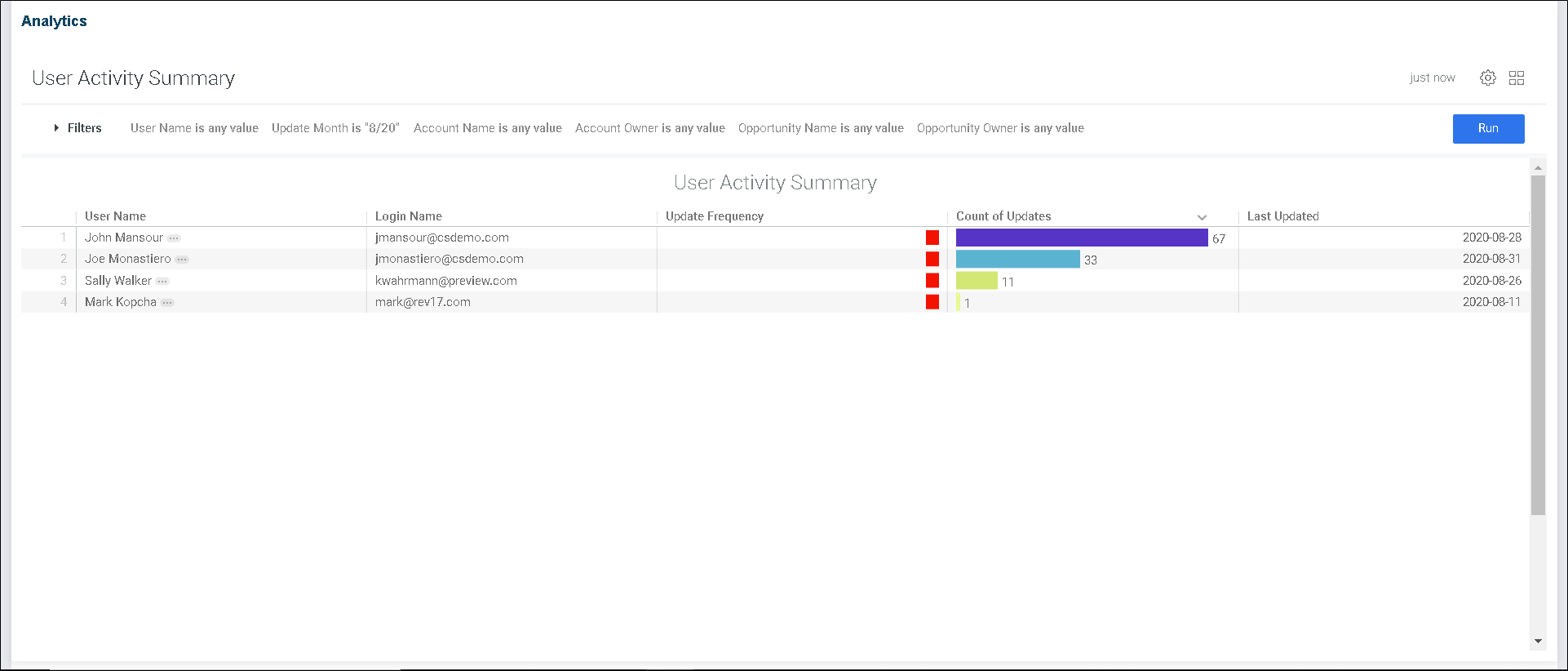
Top 10 Users
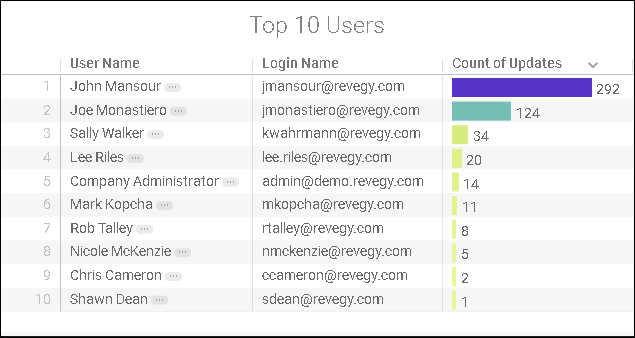
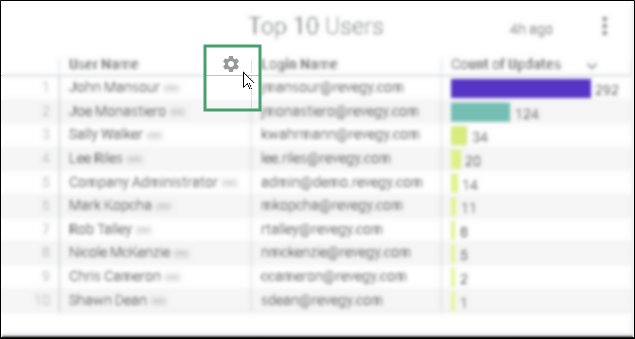
1. Hover over any column to reveal a gear. The gear provides the following column options:
-
Freeze (the selected column becomes the first column and freezes during scrolling)
-
Copy Values (all values in the selected column are copied)
-
Autosize All Columns
-
Reset All Column Widths
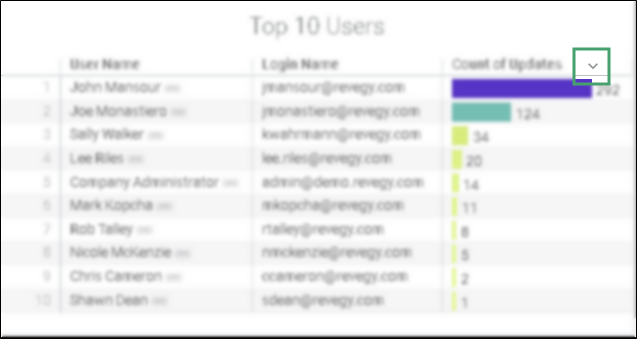
2. Click on the caret to toggle the values in ascending/descending alphabetical order.
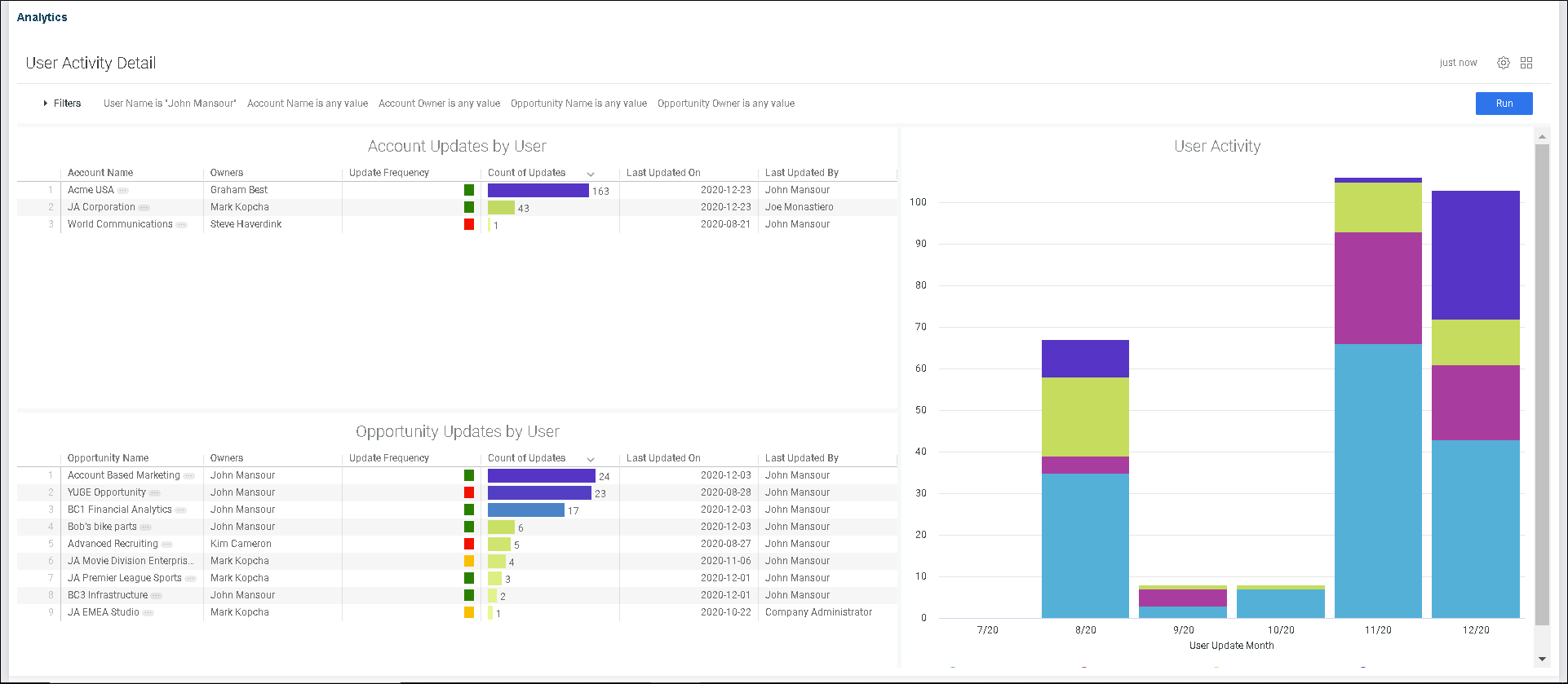
3. Click on the ellipsis to open the User Activity Detail dashboard.